
Examples
The frame holds still. The image does the traveling.
These run for real. Hover the browser frames; the panorama and the phone play when they scroll into view.
Selected work
- oakline.co.uk
- pulsewave.io

- greenleafdental.co.uk
[ Trigger: Hover ] [ Reverse When Trigger Ends: Yes ] [ Duration: 3s ]
Example 01
A portfolio grid of full homepages
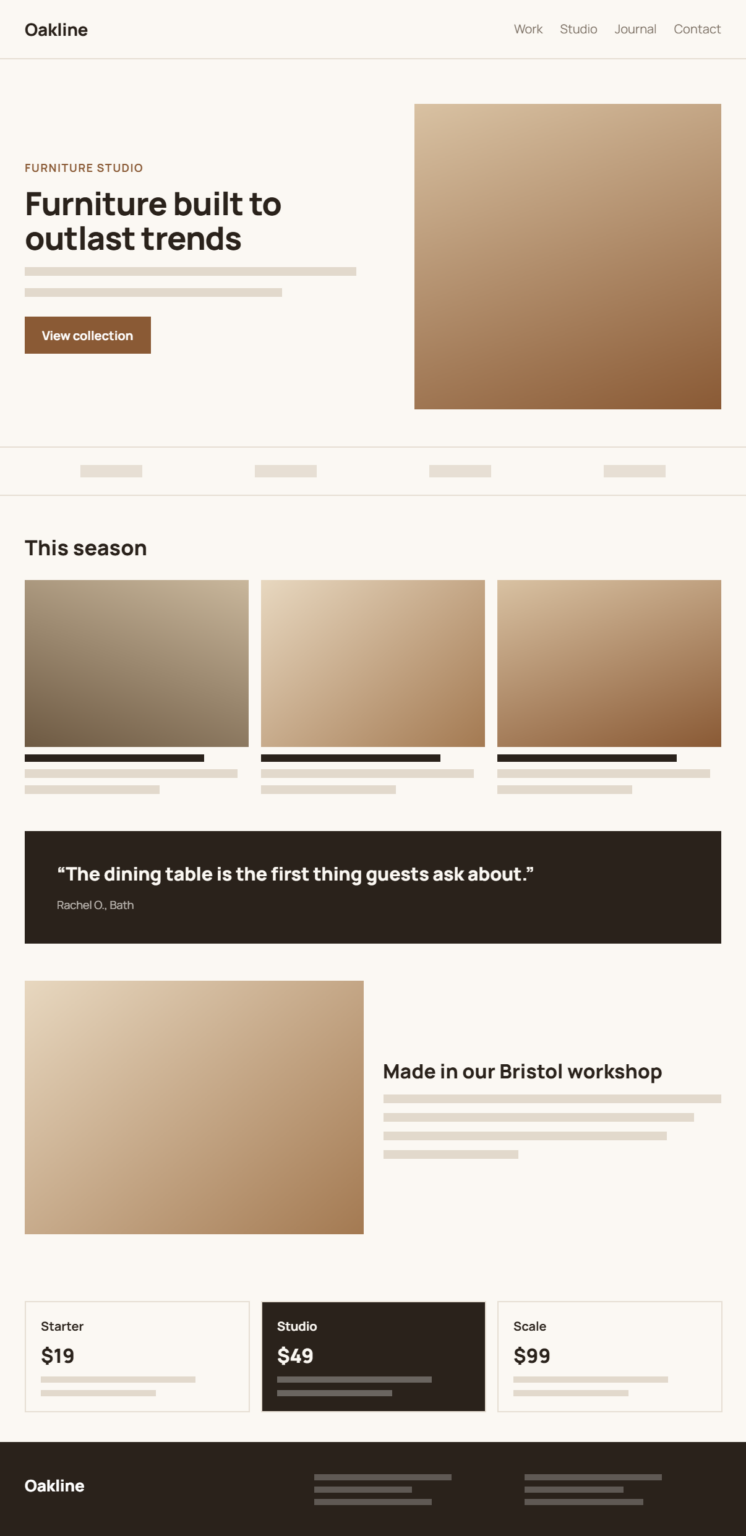
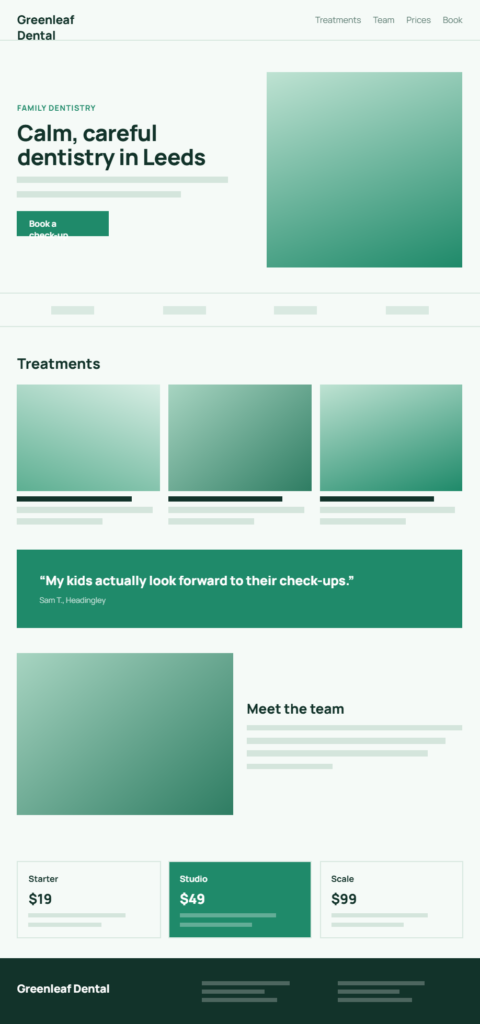
Each card holds an entire homepage screenshot in a 300px frame. Hovering scrolls it top to bottom, and moving the pointer away sends it back to the start. Try it: hover any of the three.
Sunrise over the Cairngorms

[ Scroll Direction: Horizontal ] [ Trigger: In Viewport ] [ Easing: Ease In Out ]
Example 02
A panorama that pans as it appears
The frame is wide and short, and the photo is more than twice as wide again. When the frame scrolls into view, the image eases from left to right so visitors see the whole ridge without zooming.
On touch devices: scrolls once when visible
Example 03
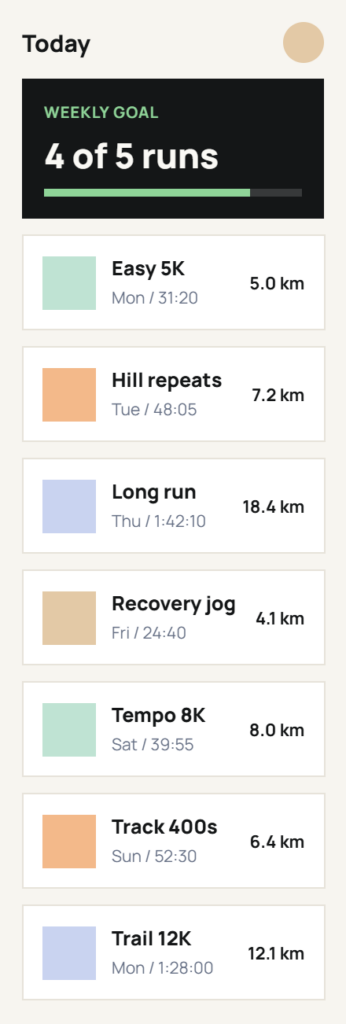
A tall app screen on a phone
There is no hover on a touchscreen, so the frame plays its scroll a single time when it comes into view, then rests.
Example 04
The settings panel
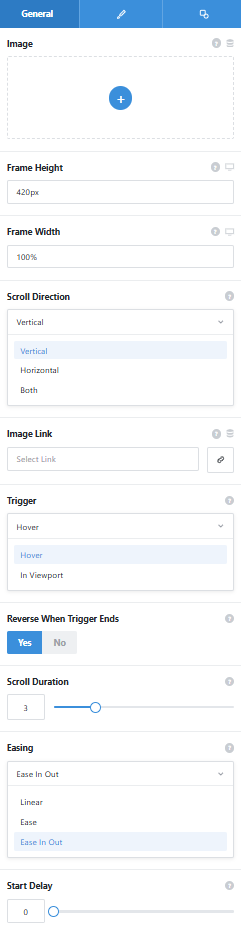
The General tab with its dropdowns open. Border, radius, shadow, and spacing live on the Design tab, and conditional rendering on Extras.
Image
Pick from the media library or use Avada Dynamic Data, such as a featured image. Alt text comes from WordPress.
Frame Height and Width
Set per breakpoint. Height decides how much of a tall image shows at once.
Scroll Direction
Vertical, horizontal, or both. If the image is not larger than the frame in that direction, it stays still.
Trigger and Reverse
Start on hover or when the frame enters the viewport. Reverse sends the image back to its start when the trigger ends.
Duration, Easing, Start Delay
How long the travel takes, its speed curve from linear to ease in out, and a pause before it begins.
See it working on a real Avada site.
What you can build
Big images, shown at a sensible size.
Website portfolios
Place full-length homepage screenshots inside a browser or device frame and let prospects scroll each one with a hover. A whole site fits in the space of a thumbnail.
Tall infographics and long screenshots
Keep a lengthy graphic above the fold in a frame a few hundred pixels tall. The rest of the image slides into view instead of pushing your page down.
Panoramas and product detail
Let a wide photo or a close-up product shot pan across the frame. Texture and labeling outside the first crop come into view on their own.
Features
What controls the motion.
Three directions
Scroll vertically, horizontally, or along both axes at once.
Hover or in viewport
Start on pointer hover, or when the frame scrolls into view.
Reverse when trigger ends
Send the image back to its start position when the pointer leaves.
Duration, easing, delay
Control how long the travel takes, its speed curve, and a pause before it starts.
Frame size per breakpoint
Set the visible width and height separately for each screen size.
Border, radius, shadow
Style the frame so it reads as a window onto a larger image.
Whole-frame link
Wrap the frame in a link to a project, case study, or Dynamic Data destination.
Library or Dynamic Data
Use a media library image or a dynamic one, with WordPress alt text.
Touch and reduced motion
One scroll on touch screens when visible; a still crop for reduced motion.
Works the Avada way
Motion you can preview as you set it.
Pick an image, set the frame, and watch the scroll in the builder before you publish.
[ ]
Avada Builder
Drop the scroller into a column and choose its image.
[ ]
Conditional rendering
Show or hide the scroller with Avada’s logic conditions, such as user role.
[ ]
Avada Live
Size the frame on the page itself and check the crop in context.
[ ]
Live option updates
Margin and padding are set per breakpoint, and every change shows in the builder.
FAQ
Image Scroller questions
Related elements
Fancy Filterable Gallery
Image grids with category filters
Sort a portfolio into categories that visitors switch between, with a lightbox for each image.
Fancy Text Mask
Photos seen through headline letters
Clip an image or gradient through real heading text, with optional parallax.
Fancy Video Gallery
Video collections that load on click
Arrange YouTube, Vimeo, or self-hosted videos as a grid, slider, or playlist.