
- figandfennel.co.uk/visit
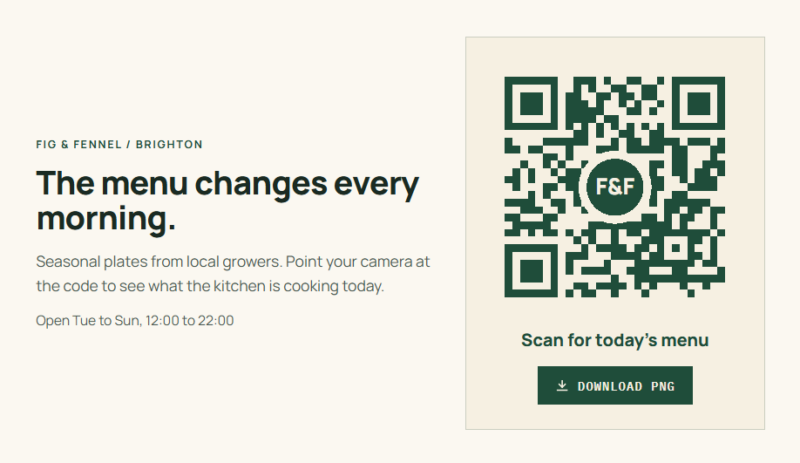
Examples
Codes that look like they belong to your brand.
Content type, size, colors, and overlay in each example are set in the element. These patterns are illustrations and will not scan.
- ramanstudio.com/contact
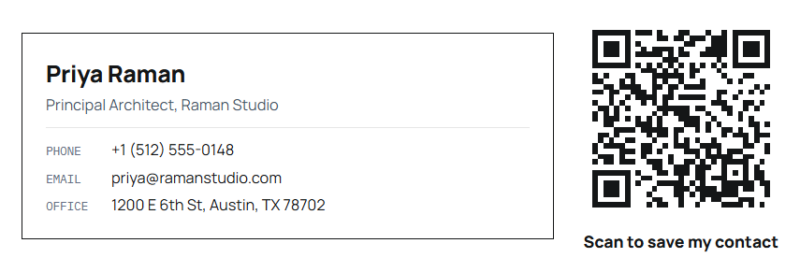
[ Mode: vCard ] [ Size: 170px ] [ Error Correction: M ]
Example 01
A vCard on a contact page
Phones read the code as a contact card, so visitors can add the name, number, and email in one tap instead of typing them out.
- hearthandloom.com/journal
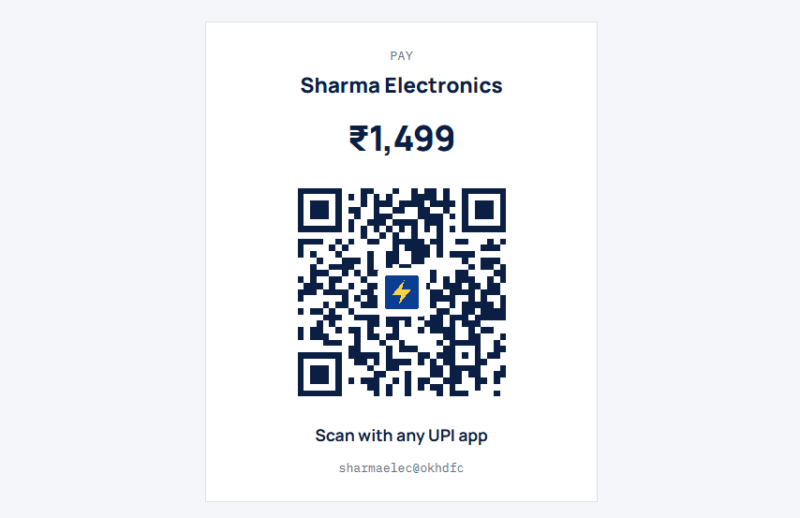
[ Mode: UPI Payment ] [ Amount: ₹1,499 ] [ Overlay: Avada icon, square pad ]
Example 02
A UPI payment code with a fixed amount
The payee name and amount are filled in for the customer. A small icon sits on a square pad, and error correction switches to H on its own.
Example 03
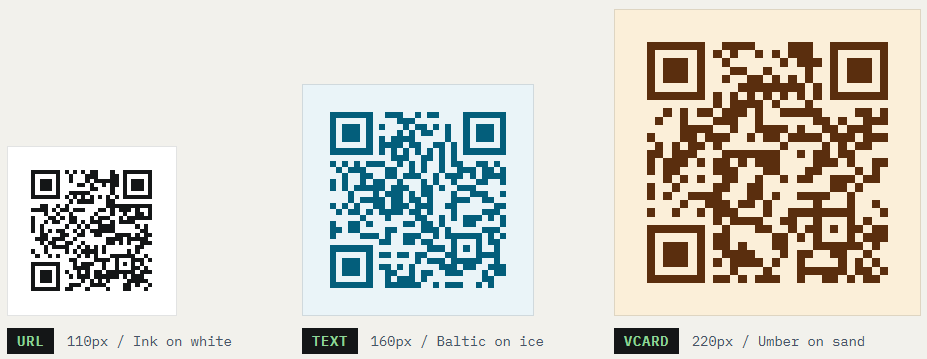
Sizes, colors, and content types
Codes run from 100 to 600 pixels in any color pair. Keep the foreground dark and the background light so contrast stays high.
Example 04
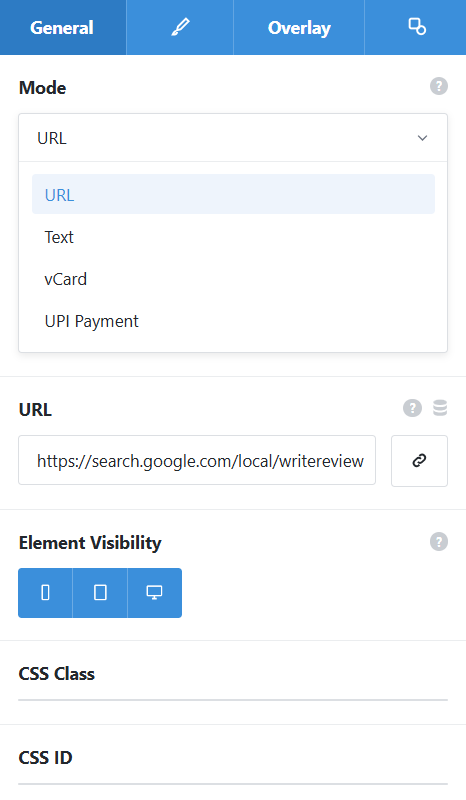
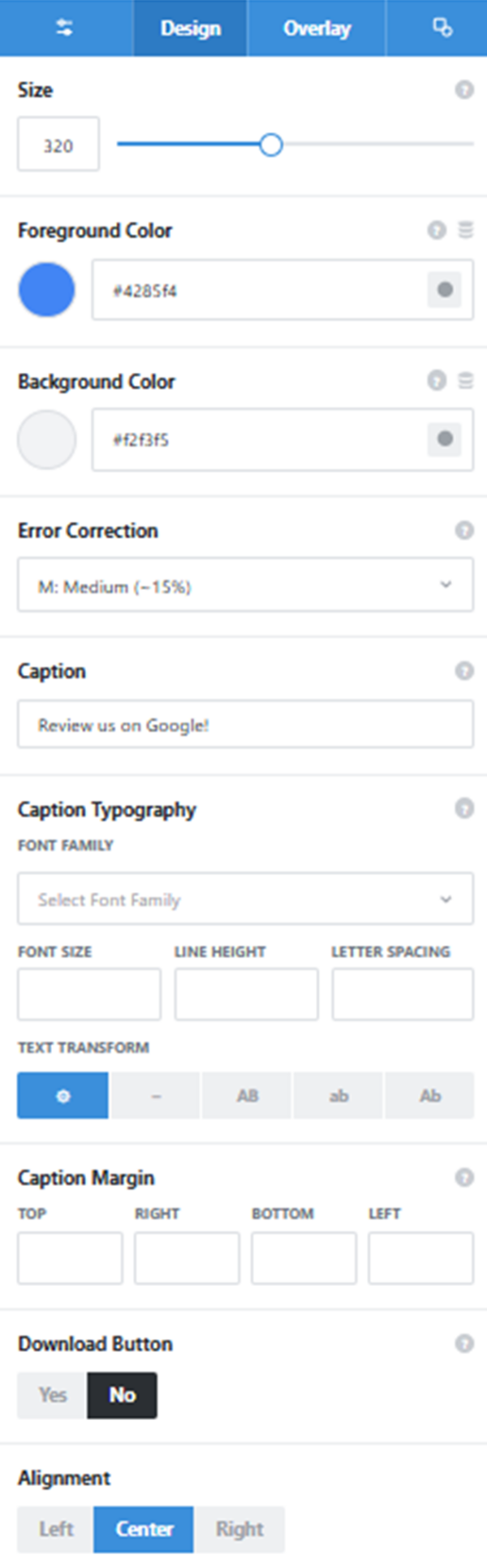
The settings panel
The General and Design tabs side by side. The Overlay tab
holds the logo or icon, its knockout pad, shape, and size.
Mode
URL, Text, vCard, or UPI Payment. Each mode shows its own fields, and all of them accept Dynamic Data.
Size and colors
100 to 600 pixels, with separate foreground and background colors.
Error Correction
L, M, Q, or H. Adding an overlay switches it to H automatically.
Caption
A short line under the code with its own typography and margin.
Download Button and Alignment
Offer a PNG download, and place the code left, center, or right.
See it working on a real Avada site.
What you can build
From paper to phone in one scan.
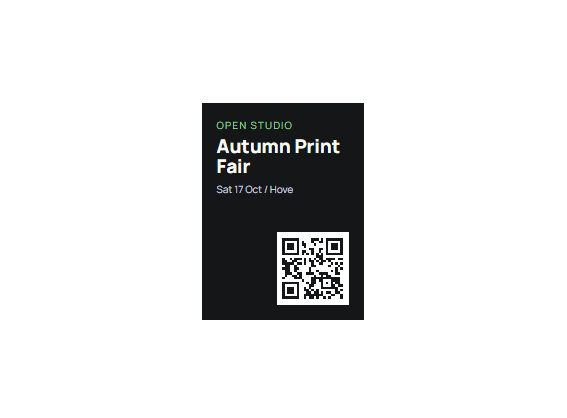
Posters, brochures, and signage
Turn on the PNG download and drop the code straight into your print files. Anyone holding the flyer lands on the right page of your site.
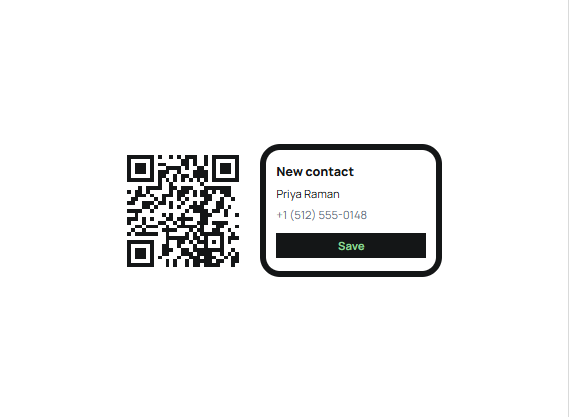
Contact pages with a vCard
Let visitors save your name, number, and email to their phone from a single scan. Handy on a team page or an About section.
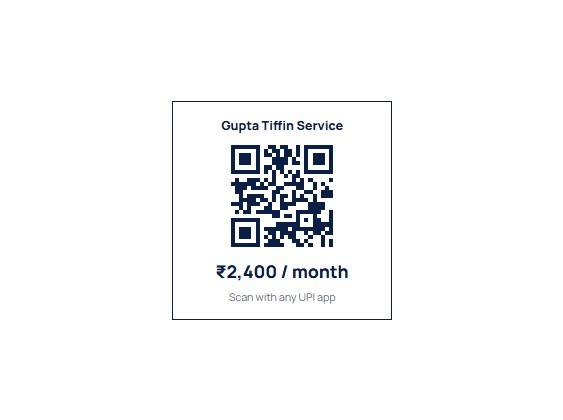
UPI payment codes
Show a payment code with the payee name and an amount already set. Customers scan, check, and pay from whichever UPI app they use.
Features
What each code can carry.
Made in the browser
Codes are generated on the visitor’s device, with no external API and no tracking.
Four content types
A URL, plain text, a vCard contact card, or a UPI payment.
UPI with a set amount
Payee details plus an optional fixed amount for Indian payments.
Dynamic Data
Encode the current page URL or a field value, so one layout covers many pages.
Size and colors
Any size from 100 to 600 pixels, with your own foreground and background.
Error correction
Choose L, M, Q, or H. It switches to H by itself when an overlay is added.
Logo or icon overlay
A logo image or Avada icon on a round or square pad, capped so the code still scans.
Caption
A line under the code, such as Scan to pay, with its own typography.
PNG download
An optional button that saves the code as a PNG for print.
Works the Avada way
A code wherever you can place an element.
Choose a mode, fill in the details, and style it to match the page.
[ ]
Avada Builder
Add the code to any column, pick a mode, and fill in its fields.
[ ]
Conditional rendering
Show a code only to certain users or under other Avada conditions.
[ ]
Avada Live
Change colors or the overlay on the page and see the code redraw.
[ ]
Accessible and aligned
Labeled for screen readers, aligned left, center, or right, with margin and padding per breakpoint.
FAQ
QR Code questions
Related elements
Fancy PDF Viewer
Brochures readable on the page
Show a PDF with page controls and zoom that behaves the same on phones and desktops.
Fancy Location Lister
Store cards with live opening hours
List each branch with its hours and a badge showing whether it is open now.
Fancy Cost Calculator
Estimates in Rupees or Dollars
Build a price estimate from sliders and options, in any currency and number format.