
/* Fancy Recently Visited */
[Recently Visited]
Help visitors find their way back to the products, posts, and pages they already showed interest in.
✓ The history lives only in the visitor’s own browser. Nothing is sent to your server.
✓ Works with full-page caching, because the browser fills in the list.
- hearthandloom.com/product/oak-dining-table
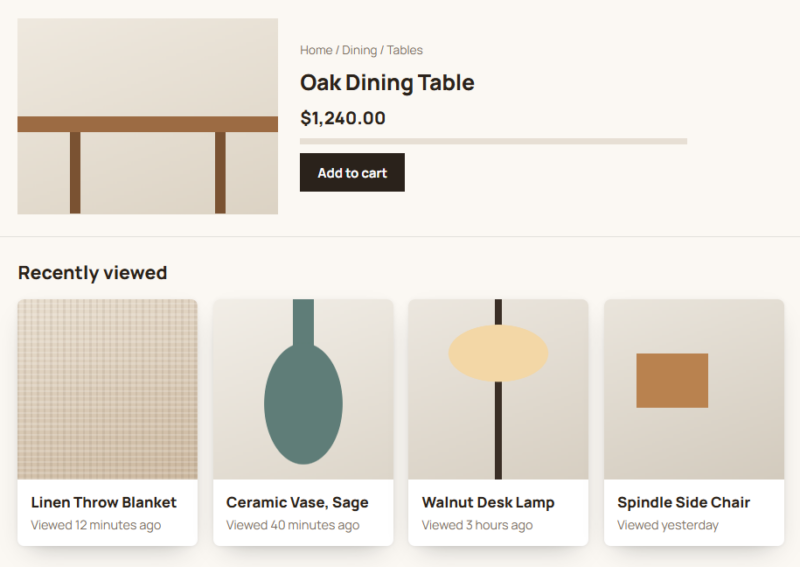
Examples
A personal trail for every visitor, kept on their device.
Layouts, card styles, and thumbnails in each example come from the element options. The pages listed are sample history.
- slowmornings.blog/2026/10/rain-gardens
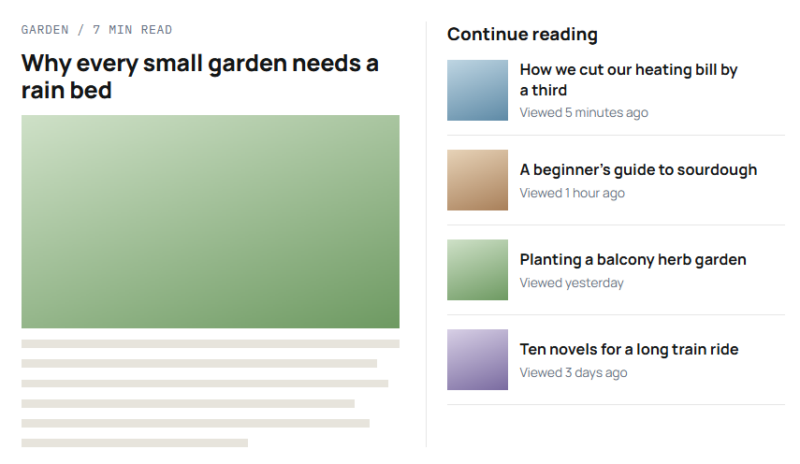
[ Layout: List ] [ Maximum Items: 4 ] [ Card Style: Plain ]
Example 01
A “Continue reading” sidebar
A list layout with small thumbnails, ordered by the most recent visit. Each reader sees their own trail of posts, not anyone else’s.
- hearthandloom.com/journal
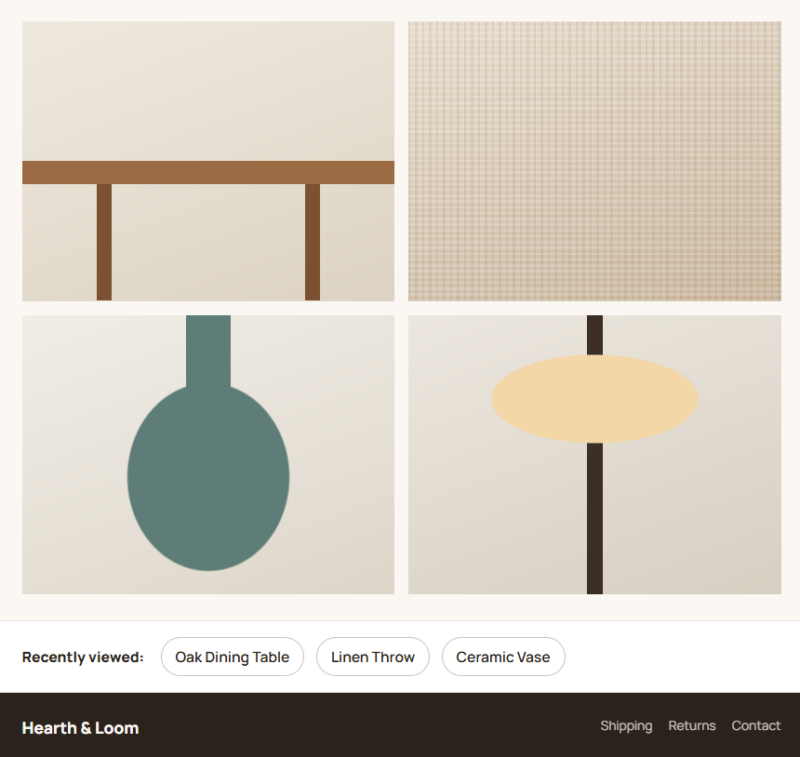
[ Layout: Inline chips ] [ Show Thumbnail: No ]
Example 02
A compact strip above the footer
Inline chips take a single line, so the element fits under a header or above a footer without adding another full section.
Example 03
Where the history is kept
A small recorder writes each visit to the browser’s local storage. The element reads from there and nothing else.
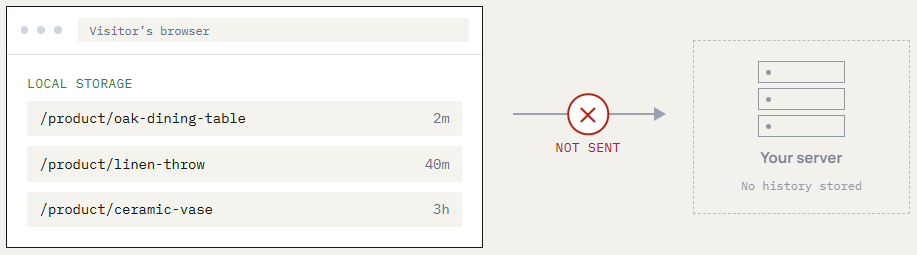
Stays in the visitor’s browser. Never sent to your server.
Example 04
The settings panel
The General and Design tabs side by side. While you edit,
the builder fills the element with sample pages so there is something to style.
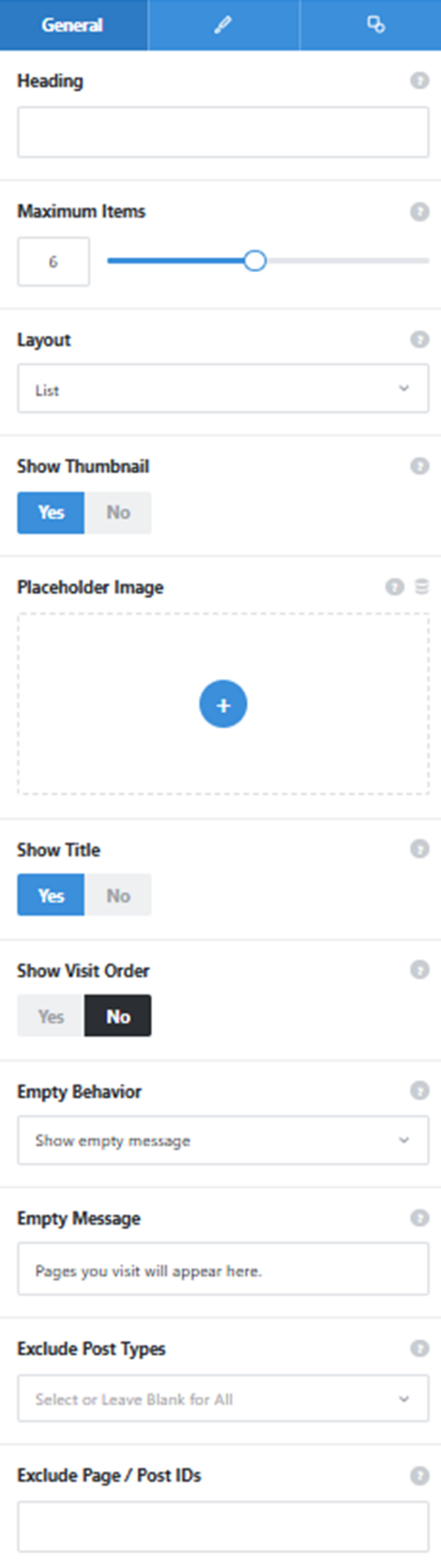
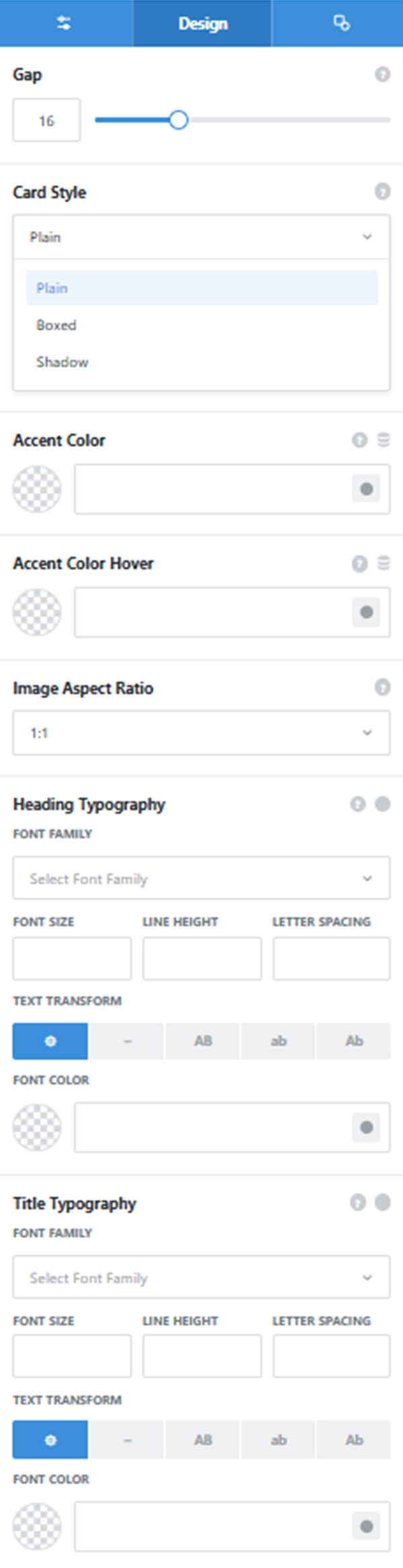
Layout and Maximum Items
List, grid with 1 to 4 columns, or inline chips, and how many recent pages to show.
Thumbnail and Placeholder
Show each page’s featured image, with a fallback for pages that have none.
Empty Behavior
Hide the element when there is no history yet, or show a message such as “Pages you visit will appear here.”
Exclusions
Leave out whole post types or individual page IDs. Cart, checkout, account, and admin pages are skipped regardless.
Card Style
Plain, Boxed, or Shadow, with accent colors and separate heading and title typography.
See it working on a real Avada site.
What you can build
A shortcut back to what caught their eye.
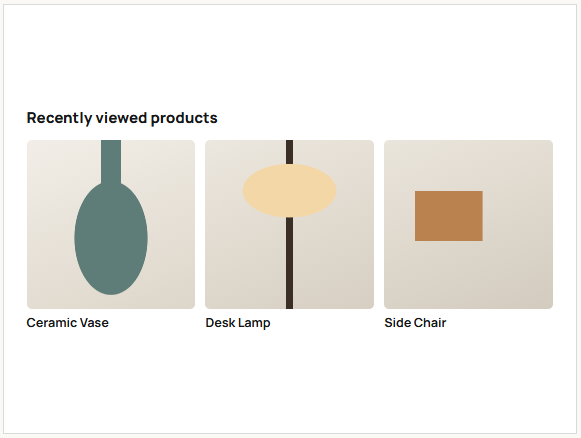
Recently viewed products
Place a grid under product pages or in the cart sidebar so shoppers can return to items they were weighing up. Cart and checkout pages never appear in it.
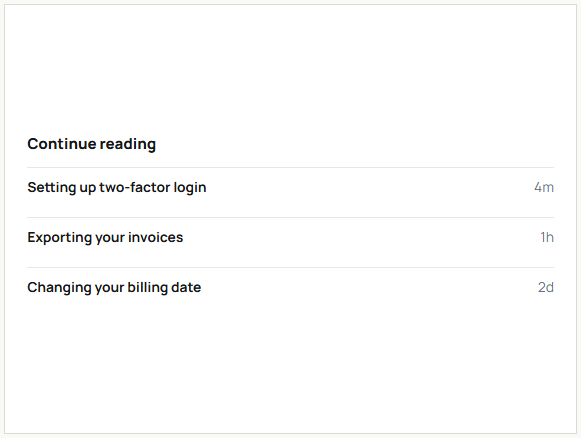
Continue reading on blogs and help centers
A list in the sidebar brings readers back to the article or guide they left halfway. It fits narrow columns without crowding them.
Comparing listings
Property, course, and service sites can show the last few listings a visitor opened, so they can compare options side by side.
Features
What you can set.
Stored in the browser only
Each visitor’s history stays in their browser. Nothing reaches your server or database.
Works with page caching
Pages ship as an empty shell that the visitor’s browser fills in.
List, grid, or chips
A list for sidebars, a grid of 1 to 4 columns, or compact inline chips.
How many to show
Set the maximum number of recent pages in the list.
Thumbnails with a fallback
Show featured images, with a placeholder for pages that have none.
Time viewed
An optional line such as Viewed 2 hours ago, with its own typography.
Card styles
Choose Plain, Boxed, or Shadow cards, plus accent and hover colors.
Empty state
Hide the element for new visitors, or show a message you write.
Exclusions
Skip post types or page IDs. Cart, checkout, account, and admin pages are never recorded.
Works the Avada way
Designed with sample pages, shown with real ones.
Demo cards appear while you build, so you can set the layout before any history exists.
[ ]
Avada Builder
Drop it under a product, in a sidebar, or in a footer Layout.
[ ]
Conditional rendering
Show the list only to some visitors, using Avada’s logic conditions.
[ ]
Avada Live
Sample cards fill the element so you can style it on the page.
[ ]
Live option updates
Typography for titles and the time line, plus margins and padding per breakpoint.
FAQ
Recently Visited questions
Related elements
Fancy Notice Flasher
Real store activity in a corner toast
Rotate genuine WooCommerce purchases, reviews, or your own announcements, with names hidden.
Fancy Filterable Gallery
Browse a portfolio by category
Filter buttons sort images into groups, and each one opens in a lightbox.
Fancy Advanced Table
Large product lists, sortable
Present catalog data with column sorting, live search, and pagination.